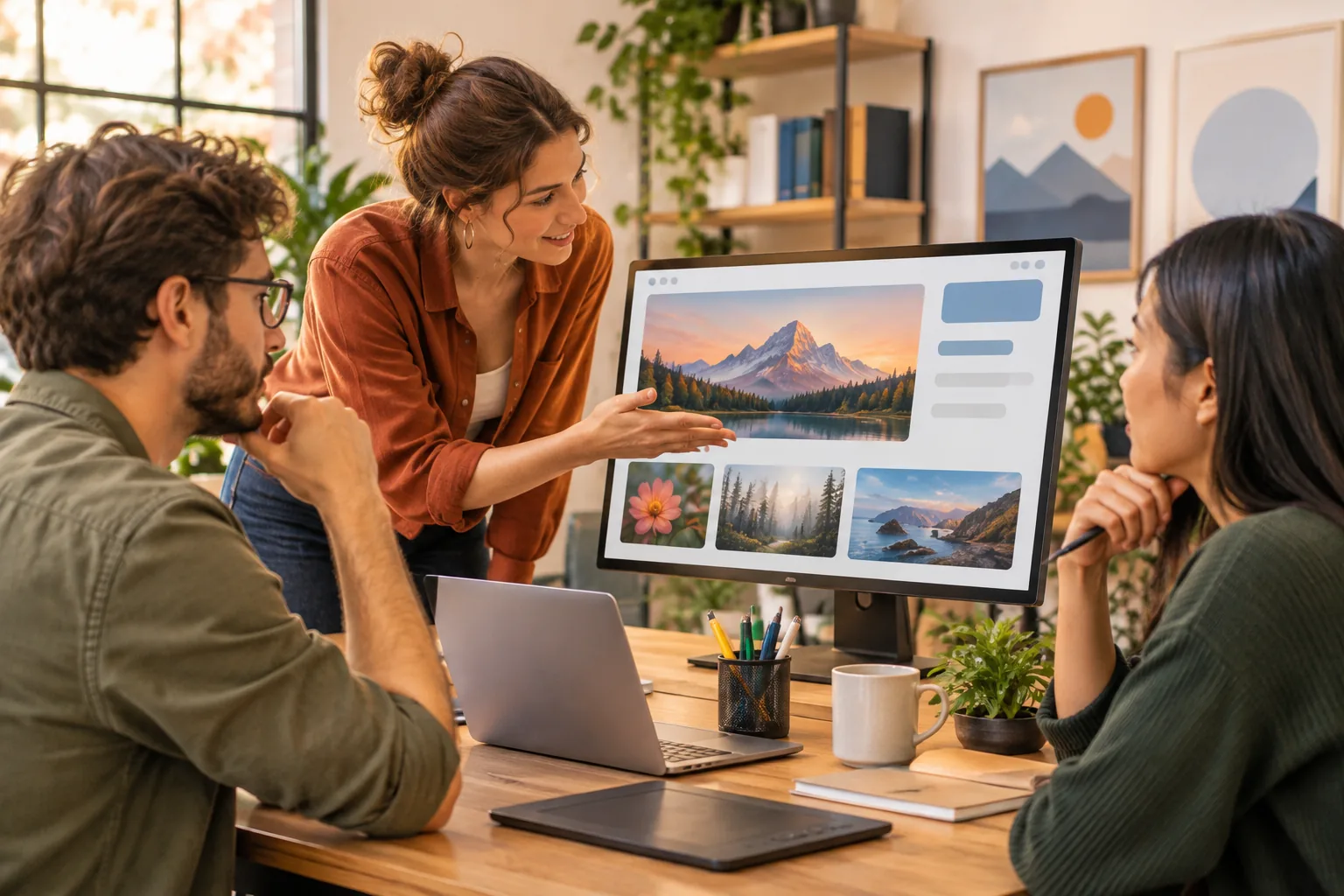
Can a Freelancer Legally Use AI-Generated Images on a Client’s Commercial Website?
AI can produce a polished hero image in minutes. That does not settle whether a client may publish it on a business website, run it in an advertisement, or keep using it after a project ends. The answer depends on the image tool’s terms, the image itself, the intended use, and the laws that apply.
Can a freelancer legally use AI-generated images in a client's commercial website? Sometimes, but a freelancer’s ability to generate or download an image is not the same as the client’s right to use it. Treat permission, risk checks, disclosure, and handover records as separate parts of the job.
Is the freelancer’s permission enough to use an AI-generated image commercially?
No. A freelancer may have permission under a tool’s terms to generate an image, but those terms may impose conditions on who can use it and how. The freelancer’s account may also be personal, while the client is a separate business that wants to publish the image across its website, ads, and social channels.
Before promising a client broad rights, check whether the tool’s terms allow commercial use and whether they permit the freelancer to transfer, sublicense, or otherwise provide usage rights to a client. Those are different questions. A tool might allow commercial use by an account holder without clearly stating that the account holder can grant the same rights to someone else.
Copyright ownership is another question. Whether a person can claim copyright in an AI-generated image may depend on the human contribution and the jurisdiction. A freelancer should not promise exclusive ownership simply because they wrote the prompt, paid for a plan, or downloaded the file. If the client requires exclusivity, explain that limitation before work begins.
Start with the actual deliverable. A client may need permission to display one image on a company website, but not necessarily to use it on product packaging or in a paid campaign. Put the approved channels and purpose in writing, and check whether the tool’s terms permit those uses.
What do the AI tool’s terms allow for this specific image?
Check the terms that applied when the image was generated, not only the current version of the tool’s website. Terms can change, and the applicable rules may depend on the generation date, account type, subscription plan, or other conditions. Save a copy or a dated record that identifies the relevant terms.
Look for clear answers to these questions:
- Does the plan permit commercial use of generated images?
- Must the person using the image have a paid or verified account?
- Can an account holder provide the image to a client, or are rights limited to the account holder?
- Are there restrictions on particular industries, products, or types of advertising?
- Does the tool require attribution, impose usage limits, or reserve rights to use submitted prompts or outputs?
- Do separate rules apply to uploaded reference images, editing features, or shared workspaces?
Do not infer permission from the existence of a download button. That button confirms that a file can be downloaded; it does not, by itself, explain how a company may use the file. If the terms are unclear, ask the provider for clarification or choose another image source. Record any answer the provider gives.
For example, if a freelancer generates a banner under a paid plan in March and delivers it in April, the handover should identify that plan and the terms checked for that generation. If the client later wants to use the same banner on product packaging, check the new use rather than assuming the original website approval covers it.
Could the image include protected or recognizable material?
AI generation does not prove that an image is free of legal risk. A prompt may produce a recognizable person, a company logo, a copyrighted character, or a composition that closely resembles an existing work. The tool may also produce unexpected details—a familiar mascot on a shirt, for instance—even when the prompt never mentioned one.
Review the final file at full size before delivery. Look for brand names, distinctive logos, recognizable public figures, fictional characters, and visual details that make a real person identifiable. Compare a suspicious result with the relevant source rather than relying on the fact that an AI tool created it.
Some risks arise from the prompt itself. Asking for “a superhero in the style of” a named franchise, or requesting an image that resembles a particular living artist’s work, can produce a result that invites questions even if the final image contains no exact copied element. A safer brief describes the desired qualities directly, such as “bold ink outlines and a limited color palette,” rather than naming a protected character or artist.
Check the context of use, too. A generic-looking person on a decorative blog illustration may raise different concerns from a realistic person shown endorsing a medical product. A close resemblance to an existing work, or an implication that a person supports a client’s service, can require specialist review. The legal tests and practical risk depend on jurisdiction and facts.
Does the client need a license, release, or other permission?
Possibly. If an image includes an identifiable person, a model release or other permission may be relevant, particularly when the image suggests that person endorses a business or product. Whether a release is required depends on the jurisdiction, the image, and how it will be used. A freelancer should not assume that an AI-generated face is fictional merely because it came from a prompt.
Branded material may need separate permission as well. If a logo or protected character appears in the image, the client may need authorization from the rights holder—or may need the image revised to remove the material. The same check applies to reference assets that a client supplies: permission to upload an image to an AI service may not be included in the client’s original license.
Ask the client to confirm that it has the right to provide any reference images, logos, or other assets used in the process. If a third-party license or release is needed, agree who will obtain it and who will pay any fee before publication. For a campaign involving a real person, a recognizable brand, or a regulated product, get jurisdiction-specific legal advice before the image goes live.
What should the freelancer disclose before delivery?
Be direct and specific. Tell the client which assets are AI-generated, name the tool when appropriate, and describe the checks actually performed. For example: “The homepage banner was generated with [tool] on [date]. I reviewed it for visible logos and recognizable characters; I have not verified that it is exclusive or cleared it for paid advertising.”
That wording gives the client useful information without making a promise the freelancer cannot support. Avoid saying “copyright-free,” “fully cleared,” or “risk-free” unless those claims have been independently established. A tool’s commercial-use permission does not guarantee that every output avoids third-party rights or that a court would treat the image as copyrightable.
Disclose early enough for the client to choose another approach. If a client’s brand policy bars AI-generated images, learning that after design approval creates avoidable rework. A note in the proposal or project brief can identify AI use before generation begins, and a delivery note can record the asset and checks performed.
How should the agreement allocate responsibility for the image?
Put the boundaries in the project agreement. Specify the approved use—for example, one image on the client’s public website—and whether that use includes social posts, paid advertising, product packaging, or later campaigns. If the client wants to edit or crop the file, state whether those changes are allowed and whether the freelancer will review altered versions.
The agreement should also identify who is responsible for securing additional permissions. A freelancer can agree to check the tool’s terms and inspect the output, while the client confirms that supplied reference assets are authorized and obtains any permissions tied to its business or campaign. Do not leave that division implicit; a later dispute may turn on what each party understood the freelancer had promised.
Address third-party claims without guaranteeing an outcome. The contract can explain how the parties will notify each other, preserve relevant records, and cooperate if a rights holder complains. Any indemnity, liability cap, or warranty should be reviewed for the governing jurisdiction and the project’s value. A local lawyer can adapt the clause instead of relying on a generic template.
Client approval is useful evidence of an agreed visual direction, but it does not automatically cure a rights problem. Give the client a chance to review the image and its intended use, and record approval in writing. If the client later changes the use from a website banner to a global advertising campaign, pause and reassess permissions and terms.
What records should accompany the final files?
A small handover folder can prevent confusion months later. Include the final image, the editable source file if one exists, and a short record that ties the image to its tool and approved use. Keep these items:
- The prompt and generation date, including any material edits made afterward.
- The tool name, account plan, and a dated copy or reference for the applicable terms.
- Review notes identifying checks performed and any visible concerns that were removed.
- Client approval and the agreed channels, such as the website or specified campaign.
- Any licenses, releases, or written permissions connected to people, brands, or reference assets.
- The source files and a note on permitted edits or restrictions on reuse.
These records do not guarantee that a claim will never arise. They do show what the freelancer checked, what the client approved, and which use the parties agreed to at delivery. If the client asks for an image with a recognizable person or brand, pause before generation and settle the permission question first.


Comments 0
No comments yet — be the first.