Gallery section
Applied programming
20 works in this section. Open a work to see the author, description and similar examples.
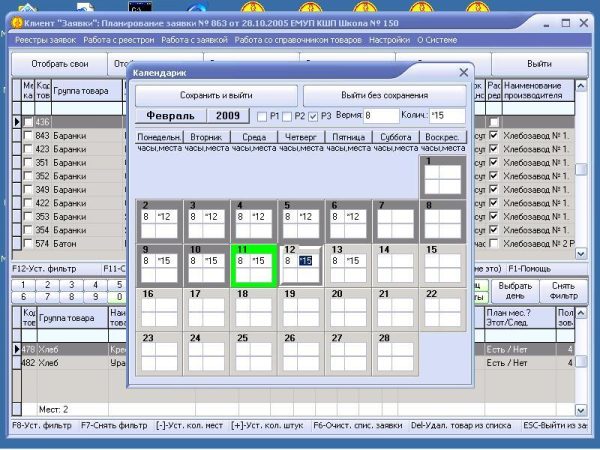 Software suite "Orders for the Plant"
 Aleksey L.1,642
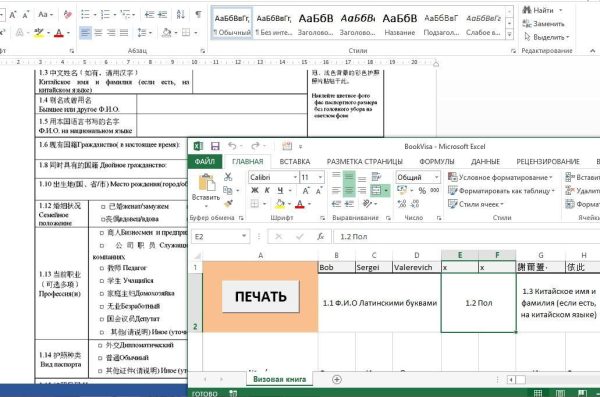 Link between Excel and Word documents. Filling a Word template from an Excel file
 Nikolay B.3,322
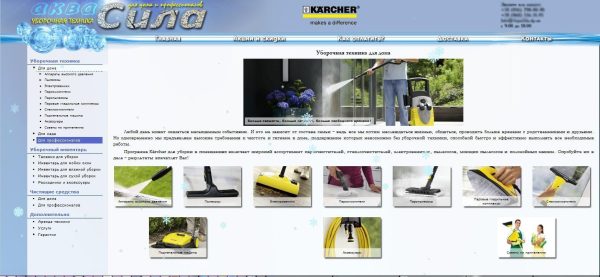 Online store for cleaning equipment
 Elena L.1,281
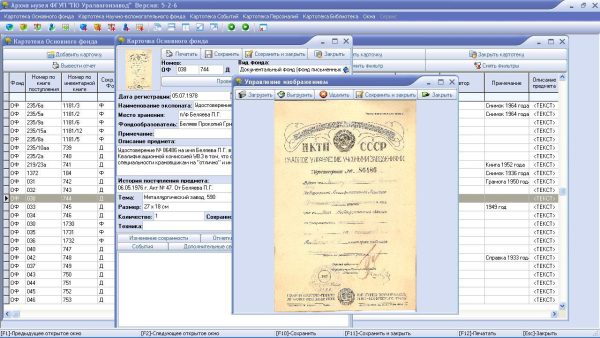 Software suite "Museum Collection Accounting"Aleksey L.2,637
 FlypList Video
 Aleksey R.1,298
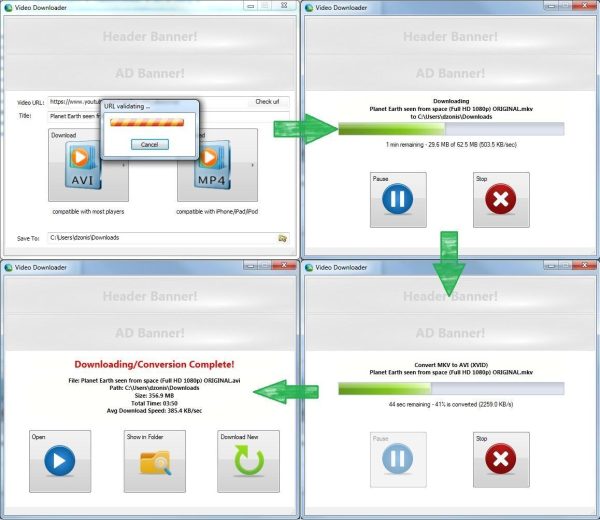 Uploading video content from youtube.com
 Dmitry1,698
 Software development "reViSOR"
 Ivan S.1,463
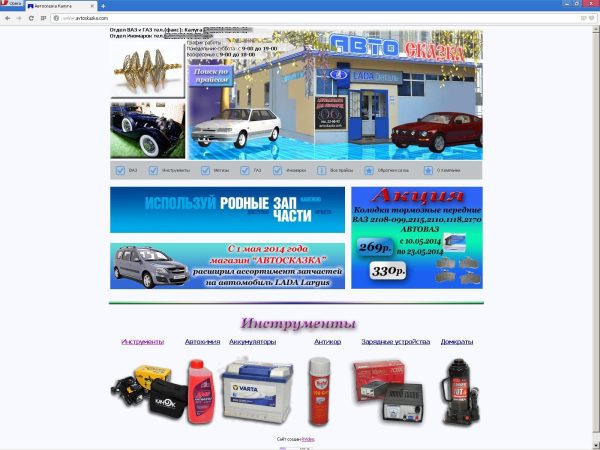 Car shop - product information
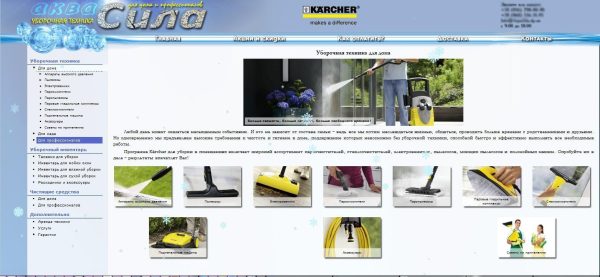 Online store for cleaning equipmentElena L.1,418
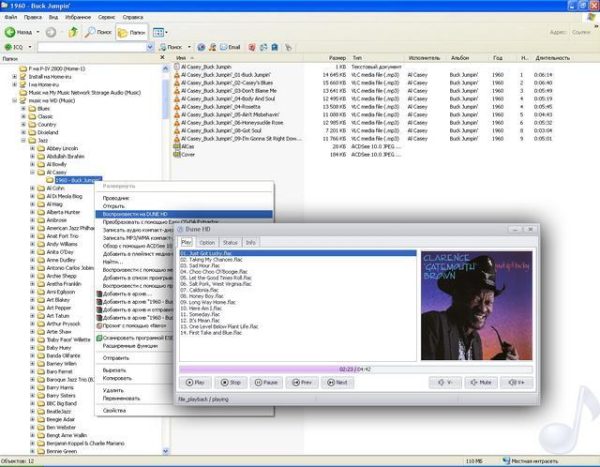 Program for playing network music files [Windows].
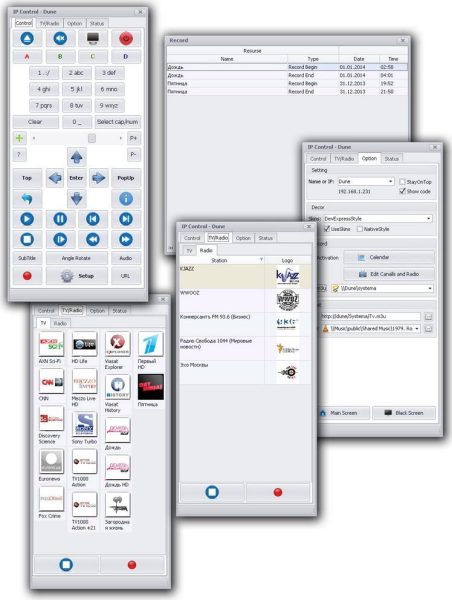 Remote control of DUNE HD media player
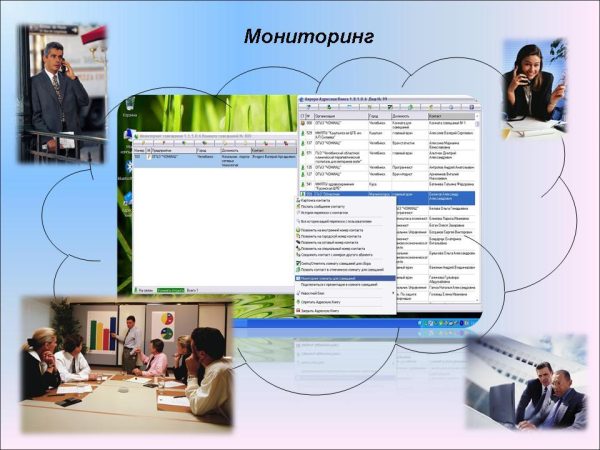 Software suite "Conference Calls"Aleksey L.2,039
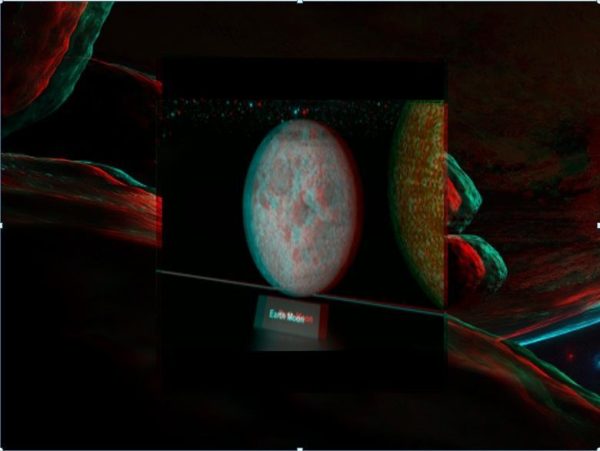 Applying a 3D effect via anaglyph method to 2D footage
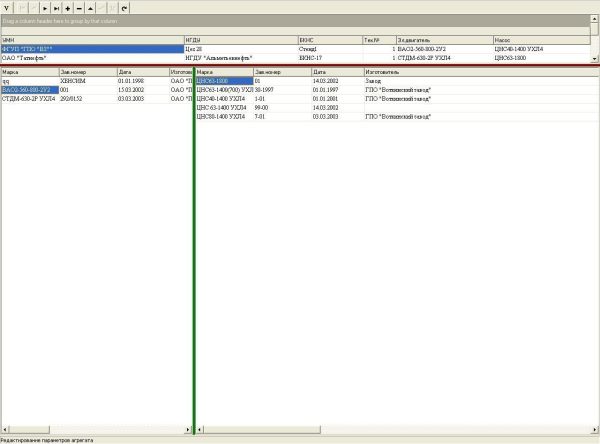 Calculation of pressure characteristics "PUMP"
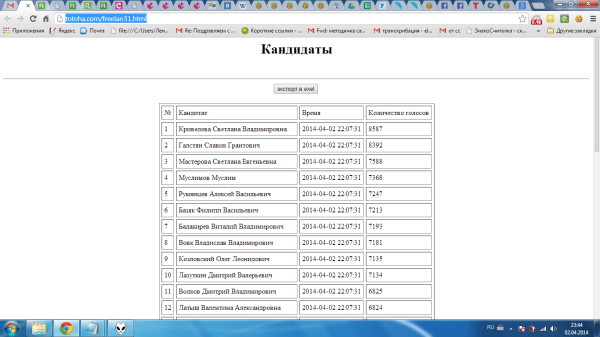 Parser
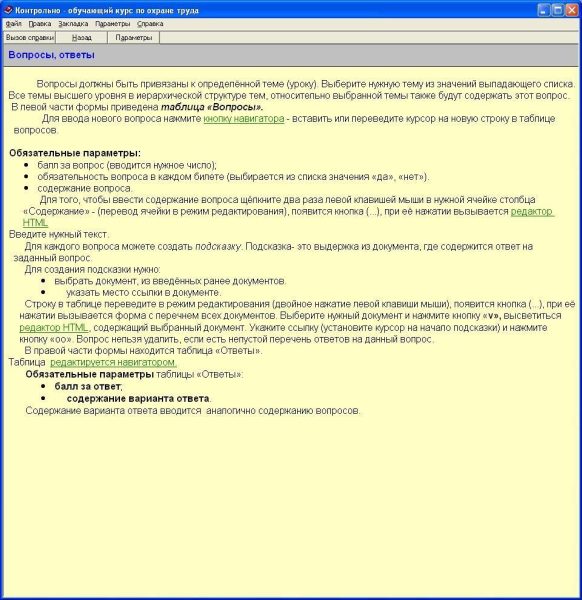 Assessment and training course "SIKOK"
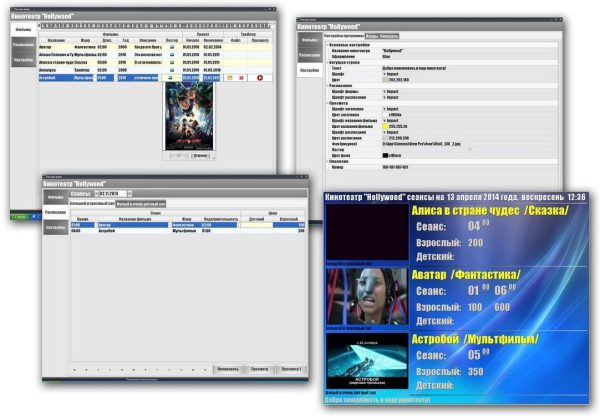 Program for scheduling movie showtimes with TV display
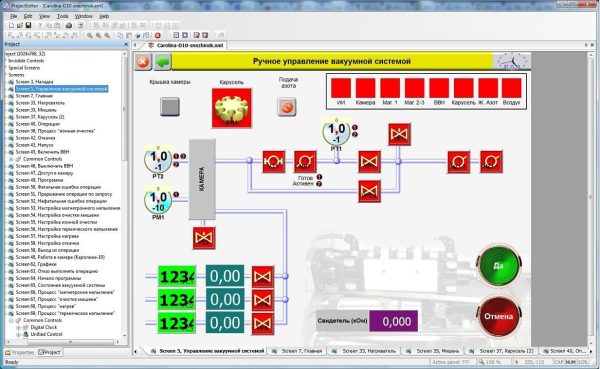 Graphic editor for a control consoleDmitry1,666
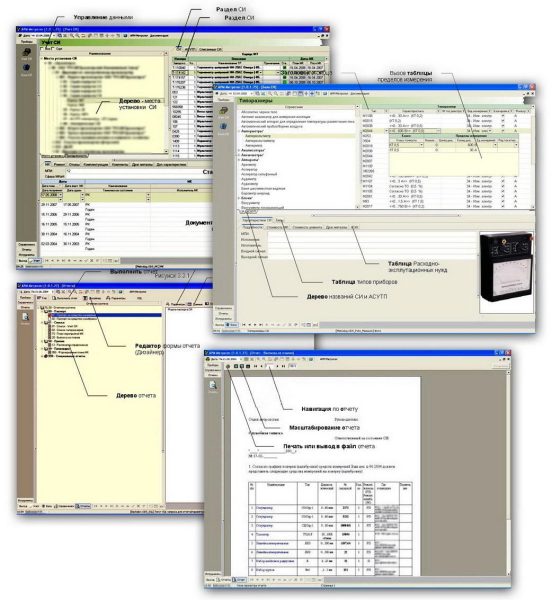 Workplace Metrologist
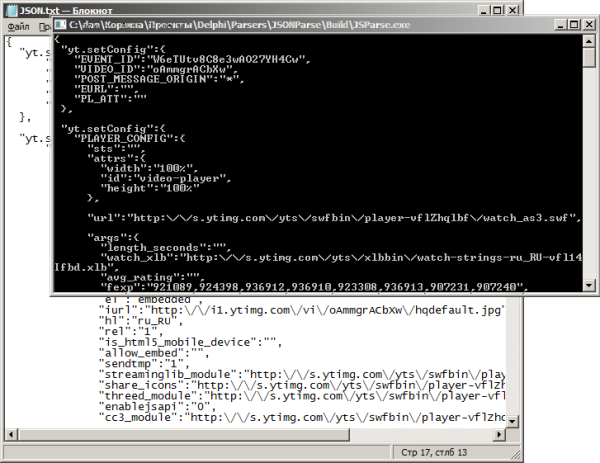 JSON Parser
 Egor E.1,443
Authors with big portfolios
Freelancers


Works by section
For freelancers
Show your best work
Clients see portfolio works in the gallery, in your profile and next to your responses to projects.
Good to know
Why look through freelancer portfolios?
Real work shows a freelancer’s level better than any description: style, accuracy and experience in your niche. Found a work you like — open the author’s profile and offer a project.
How do I add a work to my portfolio?
Use the “Add a work” button: upload an image or a YouTube link, describe the task and choose a section. Works with a description and an exact section are found more often.
Why can’t I play some videos?
Video works of authors without PRO are available to PRO clients and to the author. Everyone else sees the cover image of the work.
